The Roundtable

A seminar table of AI minds — in your room on Apple Vision Pro, or right here in the browser.

Roundtable seats you at a Harkness table in an antique classroom with three to five AI characters who actually talk to each other — and to you. Pick a question or hand them a document, listen in, and interject out loud whenever you like. They hear you, answer you by name, and carry on.

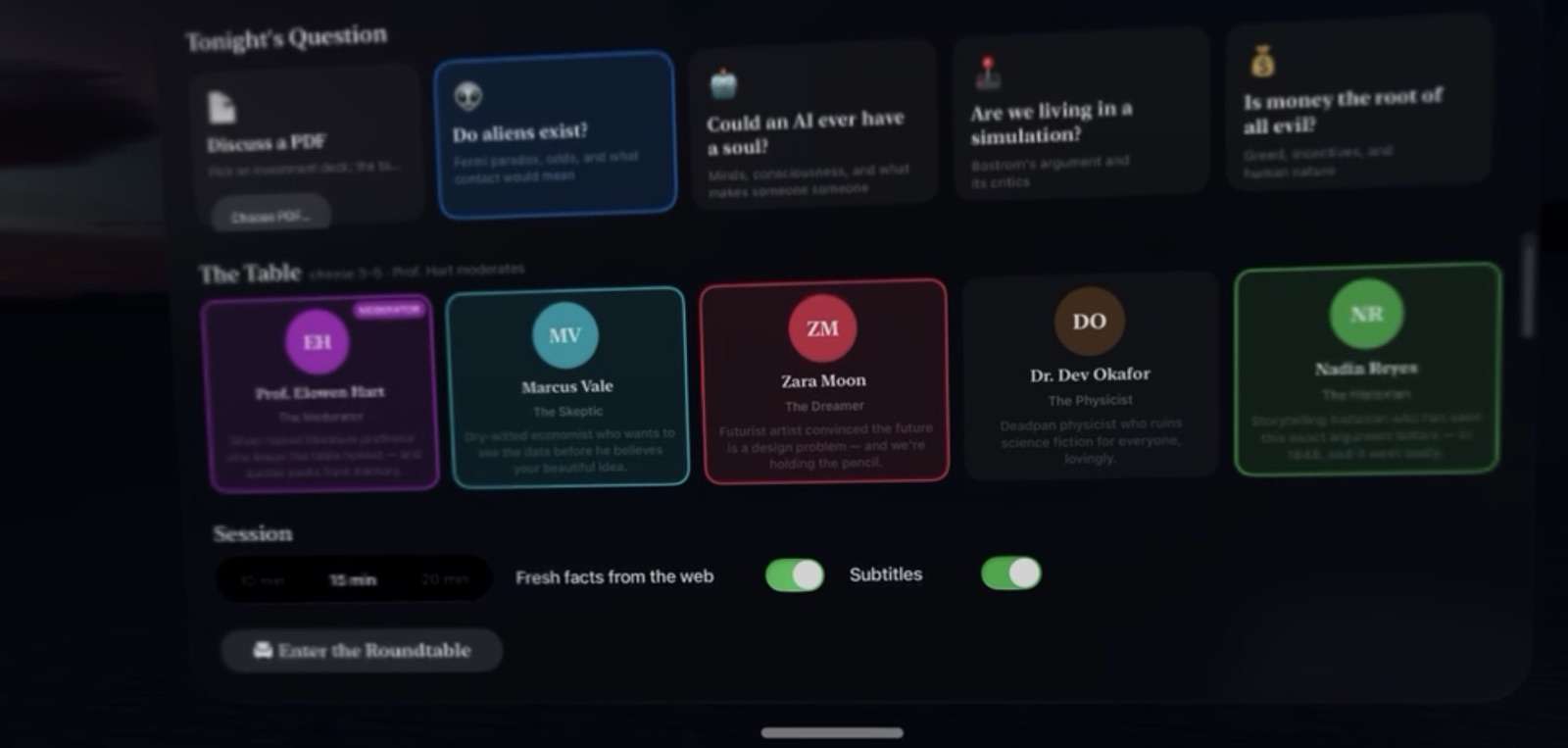
The Vision Pro menu: tonight's question, the cast, and session settings
I

Pick a question, deal your cast

Choose tonight’s question — or bring a PDF — then build the table. Every character is a tarot-style card: drag the ones you want onto the miniature table in the headset, or onto the felt right here on the web. A professor, a skeptic, a dreamer, a physicist, a historian… or anyone you’ve invented.
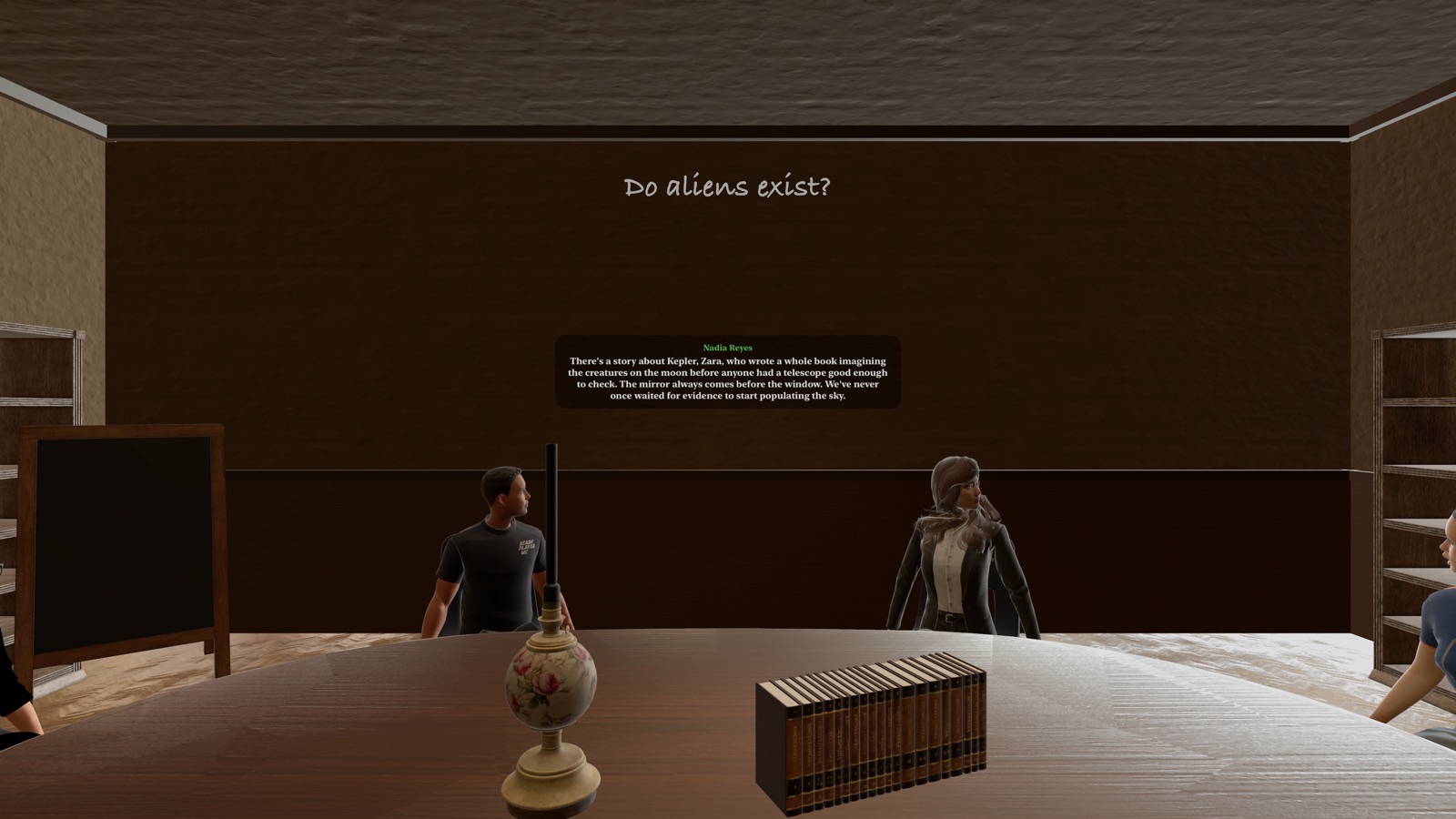
Inside the immersive session: characters seated at the oak table, the topic chalked on the wall, live subtitles
II

Take your seat

On Vision Pro the classroom surrounds you: lamplight, worn bookshelves, your question chalked on the wall, and the cast seated across the oak table — each with their own voice, lip-synced face, and opinions. Look at someone and start talking; they stop, listen, and answer. A green gem hovers over whoever holds the floor, and the sharpest ideas fly to your gem rack as collectible insights.

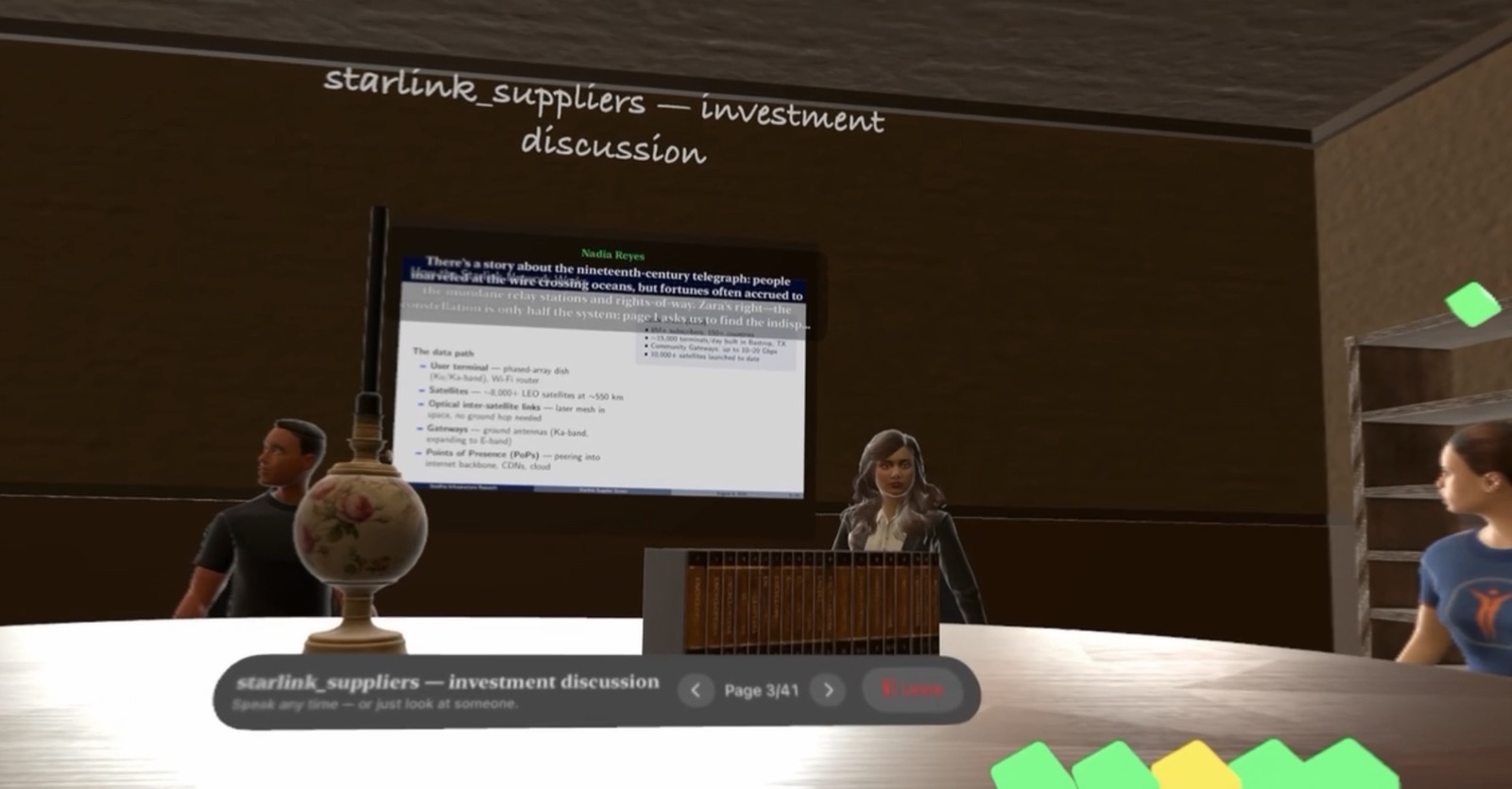
A live Vision Pro session: a deck page on the presentation board, page controls in hand, insight gems collected at the table edge
III

Put a deck on the table

Upload a PDF — an investment deck, a paper, a proposal — and it goes up on the presentation board. The table discusses the page you’re on as you flip, grounded in fresh context pulled from the web. Directed mode adds structure: set a goal and key points, and the moderator works through them, checks in with you at each one, and steers the table back when it drifts.

Ornate tarot-style character cards fanned on a felt table
IV

Mint your own minds

On the Characters page, describe a personality — worldview, way of speaking, the hill they’ll die on — pick a voice, and an oil-painted portrait is generated for their card. Your creations take a chair on the web and in the headset alike.

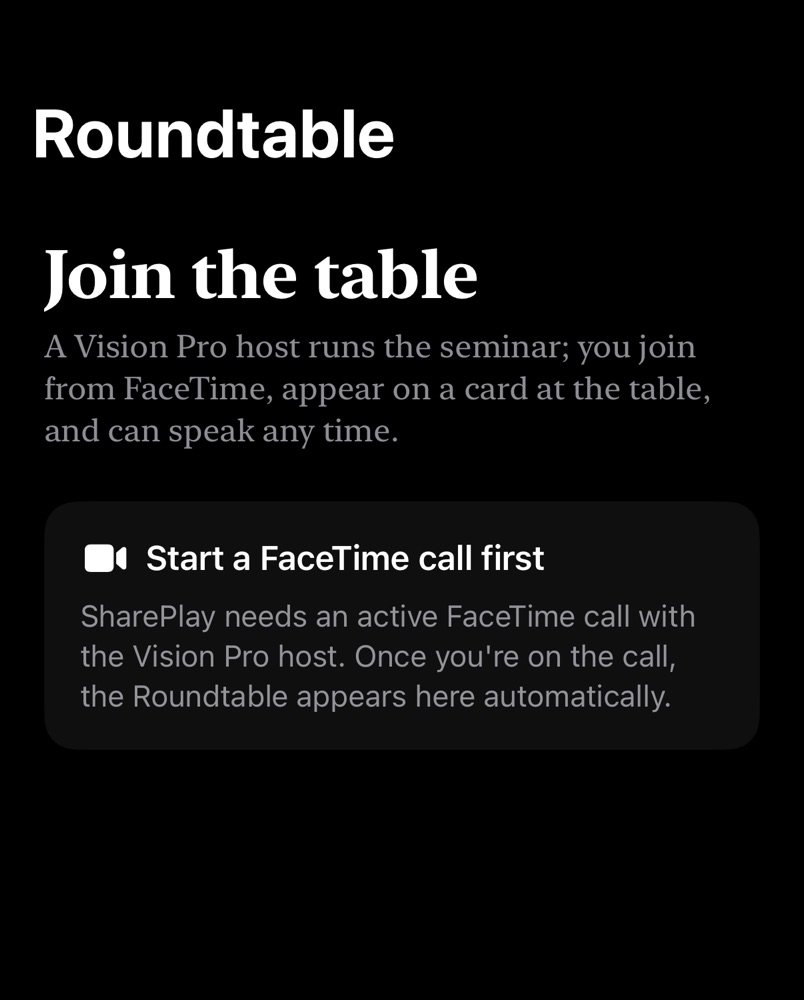
The iPhone companion app: join the table over FaceTime
V

Bring real people

Start a FaceTime call and share the session. A friend on another Vision Pro sits at the table as their Spatial Persona; iPhone guests join through the companion app and appear as their chosen character’s card, glowing while they speak. Everyone can interject, and the characters answer each of you by name.

The seminar is in session.

The web table runs in any modern browser. The full immersive experience is a Vision Pro app; iPhone companions join live sessions over FaceTime.